.jpg?w=600&h=600)

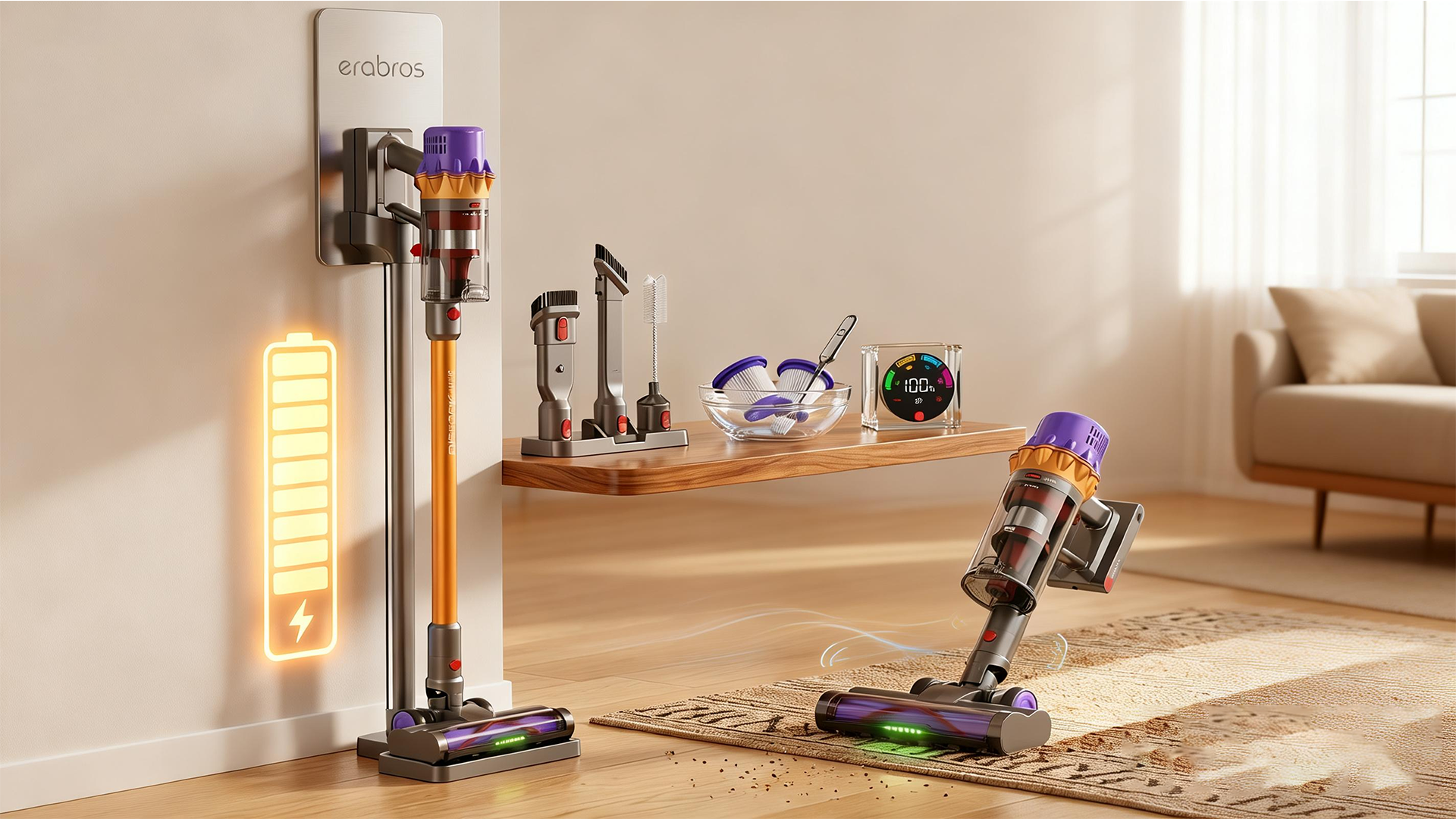
Let’s be real for a second. There is no heartbreak quite like the one you experience when you’re mid-clean, riding that wave of adulting productivity, and your cordless vacuum just… dies. You look down at it. It looks back at you with that single blinking red light of shame. You haven’t even finished the living room rug, yet your trusty cleaning sidekick has decided it’s time for a nap.
If this scene sounds familiar, you’re probably dealing with a lithium-ion battery that has seen better days. Before you toss the whole vacuum in the trash and start browsing for a new model that costs more than your first car, take a deep breath. I’m here to play therapist for your vacuum.
The good news? You probably don’t need a new machine. You just need to stop treating your battery like it’s indestructible (spoiler alert: they’re divas). Here is your hilarious-but-actually-serious guide to reviving that dying cordless vacuum battery and extending its life so you can actually clean the whole house in one go.
1. Stop Running It Like You’re in a Marathon
I know the feeling. You’ve got a spill, you grab the vac, you fix the problem in 15 seconds, and then you slap it back on the charger like a responsible adult. Stop that.
Lithium-ion batteries are not like your old-school NiMH batteries. They don’t have “memory effect” issues, but they do have anxiety. Constantly topping them off—aka charging from 90% to 100% repeatedly—stresses them out.
Imagine if someone kept waking you up every five minutes to give you a single potato chip. You’d be exhausted and irritable, right? That’s what you’re doing to your vacuum.
The Fix: Let the battery drain down to about 20-30% before you charge it. Try to align your cleaning schedule with your battery’s therapy schedule. If you just did a quick spot clean, don’t dock it. Let it sit for a bit. Charge it when it actually needs the juice.
2. Don’t Be a Heat Monster
Heat is to lithium batteries what garlic is to vampires. It is the ultimate enemy.
If you’ve just finished vacuuming the entire house and the battery pack feels hot enough to fry an egg on, do not slap it on the charger immediately. Charging a hot battery is like asking a marathon runner to immediately chug a gallon of milk. It’s not going to end well. It chemically stresses the cells and drastically shortens the lifespan.
The Fix: When you’re done cleaning, take a victory lap. Grab a glass of water. Sit down. Give that battery 20 to 30 minutes to cool off to room temperature. Then put it on the charger. Your future self—who doesn’t want to buy a $100+ replacement battery—will thank you.
3. The 80% Rule (If Your Vacuum Lets You)
This is the pro-tip that battery nerds live by. Lithium-ion cells live their absolute happiest life when they sit between 20% and 80% charge. They are like Goldilocks; they hate being empty, but they also hate being stuffed full to 100%.
Most vacuums don’t have a fancy app that lets you set a charge limit like a Tesla does, but you can manually manage this.
The Fix: If you know you aren’t going to use the vacuum for a few days—maybe you’re going on vacation or you’re just in a “let the dust bunnies win” phase—don’t leave it on the charger. Run it for a minute to knock the charge down to about 80% and store it like that. It’s counterintuitive, but keeping a lithium battery at 100% constantly is what causes it to lose capacity faster than a sinking ship.
4. Storage: Don’t Leave It in the Garage (or the Snow)
I get it. The vacuum is bulky. The charger is mounted in the garage. It looks so neat and tidy hanging next to the tool bench.
But here’s the thing: garages are usually either freezing cold or surface-of-the-sun hot. Extreme temperatures are public enemy number two (right after heat, actually).
The Fix: Bring your vacuum inside. I know it’s weird to have a cleaning tool in your climate-controlled living space, but treat it like a houseplant. Keep it in a closet inside the house. Room temperature (somewhere between 50°F and 77°F) is the sweet spot. If you store it in the cold, the battery chemistry slows down and can get damaged. If you store it in the heat, it ages faster than a celebrity who doesn’t wear sunscreen.
5. Deep Discharge? Only for the Dramatic Exit
You might have heard that you should “run the battery all the way down until it dies” to recalibrate it. This is a controversial move.
For lithium-ion batteries, a full discharge (0%) is actually a little traumatic. However, sometimes the battery management system inside your vacuum gets confused about how much juice is actually left. You might think it’s dead, but it’s really just confused.
The Fix: If your vacuum is acting erratic—dying after five minutes when it used to last 20—do a full recalibration cycle once. Run it until it physically won’t spin anymore. Let it cool. Then charge it fully to 100% without interruption. This resets the battery’s mental state. But don’t do this every week; save it for when the vacuum starts lying to you about its energy levels.
6. Keep It Fluffed
This one is less about the battery chemistry and more about the vacuum’s ego.
If your vacuum is working harder, it’s draining faster. If the bin is full, the filter is clogged with what looks like a dead mouse made of dust, and the roller brush is tangled with your partner’s long hair (or your own existential dread), the motor has to work overtime. Working overtime draws more power from the battery.
The Fix: Clean your vacuum. Empty the bin before it’s overflowing. Wash those filters regularly (and let them dry completely—wet filters suck, literally and figuratively). Cut the hair off the brush roll. A happy, aerodynamic vacuum uses less battery power. It’s simple math.
7. When All Else Fails: Replacement Therapy
Look, even if you treat your battery like a precious Fabergé egg, lithium-ion cells are consumables. They have a lifespan. Usually, after 2 to 5 years, or about 300 to 500 charge cycles, they’re just tired. They’ve worked hard. They’ve earned their retirement.
If you’ve followed all these tips and your vacuum still dies before you can finish a single room, it’s time to admit that the relationship has run its course.
The Fix: Buy a replacement battery. But— be careful. Don’t just grab the cheapest thing you see on a sketchy online marketplace that looks like it was made in a shed. A poorly made third-party battery is a fire hazard waiting to happen, and it usually lies about its capacity anyway. Stick with reputable brands or OEM (Original Equipment Manufacturer) parts. Think of it as buying your vacuum a new lease on life.
The Bottom Line
A cordless vacuum is supposed to make cleaning feel less like a chore and more like zapping dust bunnies with a high-tech laser gun. But when the battery dies early, it just becomes a heavy, expensive paperweight.
By keeping it cool, avoiding the “always on the charger” trap, and storing it in your closet instead of the frozen tundra of your garage, you can double—sometimes triple—the lifespan of that battery.
Now, go forth. Unplug your vacuum. Let it breathe. And maybe give it a little pep talk. It’s done good work for you. Treat it right, and maybe—just maybe—next time you’ll actually get to finish the rug before the red light of doom appears.